
Reorder Previous Designs
You can reorder a previous DTF gang sheet by signing in to your account and selecting Previous Designs from the DTF Gang Sheet Builder.
How Do I Reorder a Previous DTF Gang Sheet?
- Sign in to your T-shirt.ca account.
- Visit the DTF Gang Sheet Builder.
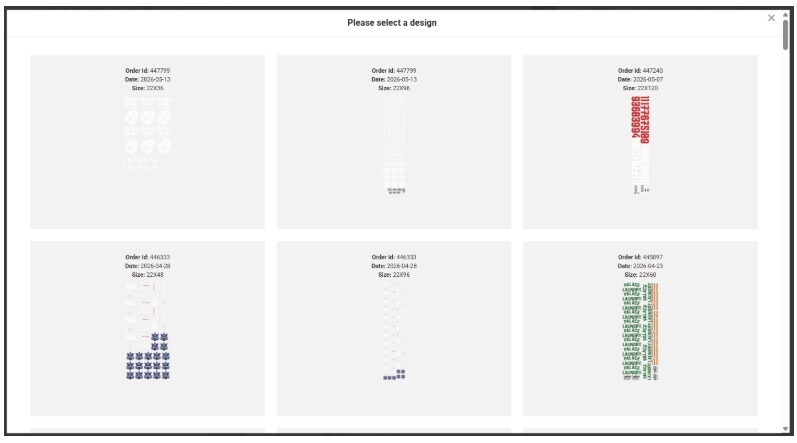
- Select Previous Designs to view your saved gang sheets.
- Select the gang sheet you want to reorder. The design will automatically be added to your cart.
- Select Edit to review the gang sheet or make changes.
- When you are finished, select Add to Cart again to save your changes.
Please note: The dimensions of a previously ordered gang sheet cannot be changed.